Creating original video content takes time. Planning, filming, recording audio, editing, and exporting can turn a single video into hours of work.
Yet many creators publish a finished video once and never use the footage again.
That approach can leave valuable material unused.
A long recording may contain several interesting moments, useful explanations, memorable statements, or individual scenes that could work as standalone content.
Video repurposing is the process of adapting existing footage into new formats for different audiences and publishing channels.
It does not mean uploading the same file everywhere without changes. Effective repurposing involves selecting the right moments, adjusting the presentation, and making each new video understandable on its own.
- Why Repurposing Video Content Matters
Consider a creator who records a 25-minute educational video.
That recording might contain five useful explanations, three interesting examples, and several short answers to common questions.
Instead of filming separate videos for each subject, the creator can review the original recording and extract suitable sections.
The result might include:
- One full-length YouTube video.
- Three short educational clips.
- Two vertical videos built around specific questions.
- One square video for a social media feed.
- Several still frames for supporting posts.
These are possible outputs, not guaranteed results. The quality of the original recording determines how much useful material can be extracted.
Repurposing can reduce repeated production work, but it still requires editing and editorial judgment.
- Start With a Strong Original Recording
Repurposing becomes easier when the original footage is well organized.
Before recording, consider whether your subject can be divided into smaller ideas.
For example, a tutorial about video editing might cover importing footage, cutting clips, adding captions, adjusting audio, and exporting.
Each topic could potentially become an individual short video.
When filming, leave brief pauses between major points. This makes it easier to identify clean editing boundaries.
Good audio is particularly important. A visually attractive clip becomes difficult to use when the voice is unclear or interrupted.
Whenever possible, record at a resolution that provides enough detail for your intended output formats.
- Identify the Best Moments
Not every moment deserves its own post.
Watch the recording and look for sections that contain a complete idea.
Strong candidates often include:
A useful answer: A direct explanation of something viewers frequently ask.
A practical demonstration: A process that can be understood without watching the entire original video.
A surprising observation: A statement that introduces an interesting idea and then explains it.
A memorable story: A short experience with a clear beginning, development, and conclusion.
A specific mistake and solution: A problem viewers recognize, followed by a practical way to address it.
Avoid selecting moments solely because they sound dramatic.
A clip should deliver what its opening promises.
4. Divide the Original Video Into Manageable Clips
You can use a desktop editor or an online video cutter to organize your recording.
For straightforward segmentation, VideoChopChop can divide a supported video into shorter clips and provide the results as a ZIP archive.
This can make long recordings easier to review.
However, fixed-duration splitting does not automatically detect the most valuable moments.
You still need to select useful sections and refine their beginning and ending.
For precise editorial cutting, a timeline-based editor may be more suitable.
5. Adapt the Video for Different Screen Formats
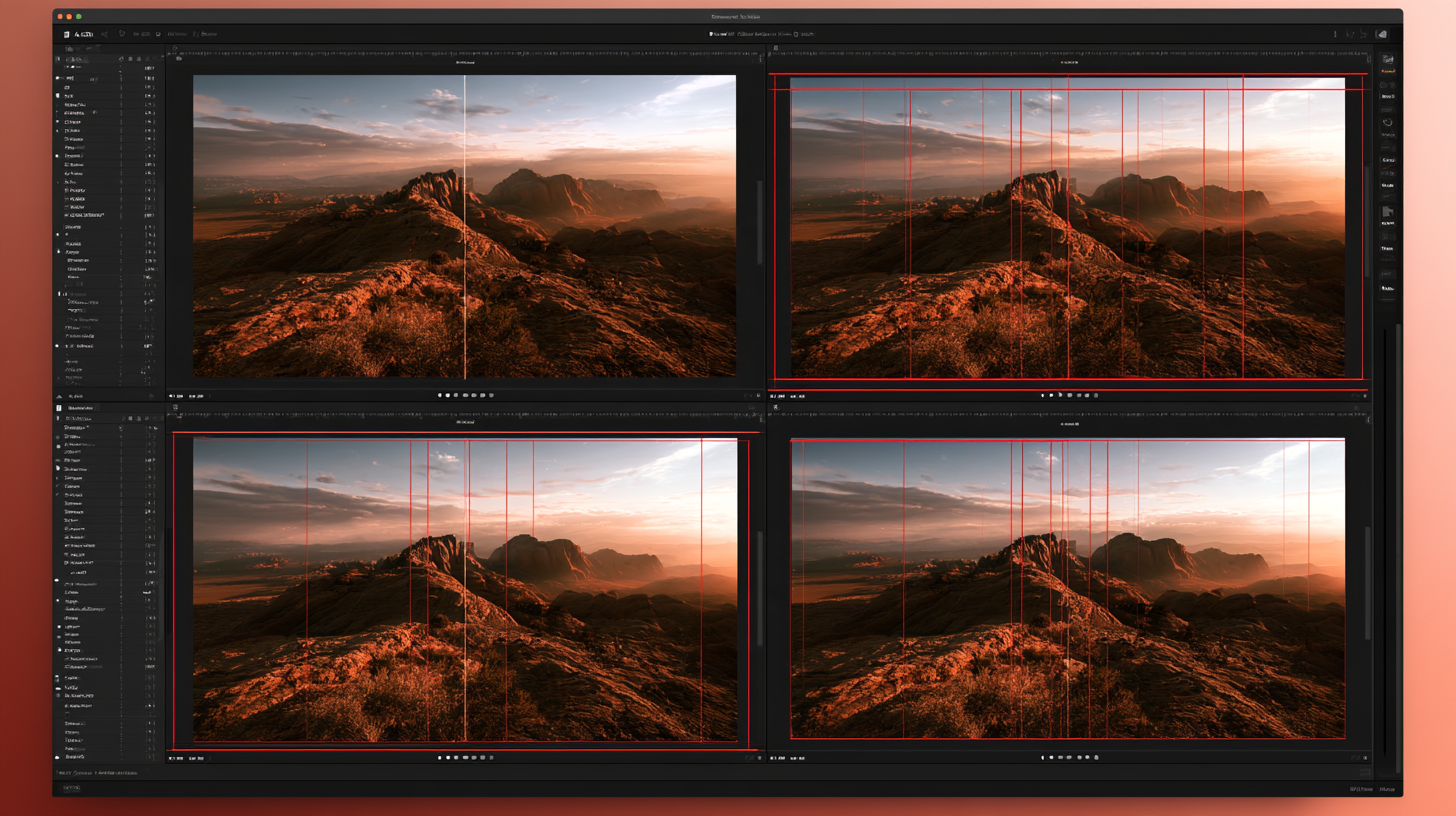
One of the most important parts of repurposing is reframing.
A traditional horizontal video often uses a 16:9 aspect ratio.
Vertical short-form videos commonly use 9:16, while square 1:1 and portrait 4:5 formats are also useful in certain feed layouts.
Simply changing the aspect ratio can cut important subjects out of the frame.
For example, a horizontal interview showing two people may need careful reframing to fit a narrow vertical canvas.
Possible approaches include cropping around the active speaker, using split-screen layouts, or placing the original horizontal footage inside a designed vertical frame.
Choose the approach that keeps the important visual information visible.
6. Use Editing Software That Matches Your Workflow
Different editors are suited to different levels of complexity.
CapCut
CapCut is useful for creators who want accessible timeline editing, captions, effects, and aspect-ratio adjustments.
Its desktop application includes automatic captioning and reframing tools, although feature availability can vary by version, region, and subscription.
DaVinci Resolve
DaVinci Resolve is a more comprehensive post-production environment that combines editing, color correction, audio work, and visual effects.
It can be useful when repurposed clips require more detailed finishing.
Adobe Premiere
Adobe Premiere is designed for flexible professional editing, including complex timelines, media organization, and workflows involving other Adobe applications.
Final Cut Pro
Final Cut Pro provides a Mac-focused editing workflow with media organization, a magnetic timeline, and tools for adapting footage to different output formats.
The best choice depends on your device, budget, editing experience, and project requirements.
7. Add Captions Carefully
Captions can help communicate spoken content when viewers cannot hear the audio clearly.
Automatic speech recognition can reduce the time required to create them.
However, generated captions may contain errors involving names, accents, technical terminology, or punctuation.
Always review the text before publishing.
Keep captions readable and avoid placing them where platform interface elements may obscure them.
Use consistent typography and enough contrast against the footage.
8. Give Every Clip Its Own Opening
A short clip extracted from the middle of a longer video may begin with an incomplete sentence.
For example:
"And that's why the second method works better."
Without context, viewers do not know which methods are being compared.
A stronger standalone opening would introduce the subject:
"Here's why precision cutting can produce more accurate video segments."
You can create this context through a brief recorded introduction, a carefully edited sentence, or a simple title overlay.
The goal is clarity, not artificial drama.
9. Build a Repeatable Repurposing Workflow
A practical process might look like this:
- Record and edit the original long video.
- Review the footage and mark useful moments.
- Extract the selected sections.
- Remove unnecessary pauses and unrelated material.
- Reframe each clip for its intended format.
- Add and verify captions.
- Adjust audio and visual presentation.
- Export and review each version.
- Organize the finished files.
- Publish according to your content schedule.
You do not need to complete every step on the same day.
Batching similar tasks, such as reviewing footage or creating captions, can make the process easier to manage.
10. Avoid These Common Repurposing Mistakes
Publishing Clips Without Context
A segment that makes sense inside a long video may be confusing when viewed independently.
Add enough explanation for the new audience.
Cropping Out Important Information
Check the complete clip after converting it to a vertical or square format.
Using Inaccurate Captions
Review automatic transcription rather than publishing it without checking.
Repeatedly Compressing the Same Footage
Work from the original or a high-quality intermediate file whenever practical.
Treating Every Platform Identically
Different platforms have different interface layouts, publishing options, audience expectations, and technical requirements.
Confirm current specifications before exporting.
Publishing Too Many Weak Clips
Five meaningful videos are generally more useful to an audience than twenty clips that contain no complete idea.
Frequently Asked Questions
Can one long video become multiple short videos?
Yes. A long recording can provide several standalone clips if it contains enough useful material.
Do I need AI software to repurpose videos?
No. Traditional editing software can handle the entire process. AI tools may assist with transcription, reframing, or selecting candidate moments.
Should every clip be vertical?
No. Choose the format based on where the content will appear and how it is best presented.
Can I publish the same footage on different platforms?
Generally, you can reuse footage you have the rights to publish, subject to each platform's rules and any applicable music or content licenses.
Final Thoughts
Video repurposing is not about creating the largest possible number of clips.
It is about finding additional value in footage you have already recorded.
Start with a useful original video, identify moments that work independently, adapt them for the intended audience, and maintain consistent audio and visual quality.
A combination of simple cutting tools and a capable video editor can turn one production session into several pieces of useful content without requiring you to start every project from scratch.