How to Keep AI Characters Consistent Across Images: A Practical Guide for Creators
Imagine creating a cinematic YouTube documentary featuring the same warrior across 30 scenes.
In the opening image, he has a narrow face, short black hair, a scar above his eyebrow, and dark leather armor. Five scenes later, his face looks wider, his beard has disappeared, and his armor has changed. By the final scene, he barely resembles the original character.
This is one of the most frustrating problems in AI-assisted visual storytelling: character inconsistency.
Modern AI image generators can produce impressive individual images, but maintaining the same fictional person across multiple environments, camera angles, lighting conditions, and poses requires a deliberate workflow.
Fortunately, creators can improve consistency by combining reference images, detailed character specifications, controlled prompting, and careful image review.
This guide explains how to do that without relying on a single magic prompt.
1. Why Do AI Characters Change Between Images?
AI image generators interpret prompts and visual references to produce new images. They do not automatically maintain a permanent, perfectly accurate three-dimensional model of every fictional character.
When generating separate images, the system may reinterpret details such as:
- Facial proportions and bone structure
- Eye shape and color
- Hair length and hairstyle
- Beard shape and facial scars
- Clothing, armor, and accessories
- Age, body proportions, and skin texture
Even when two prompts contain identical character descriptions, the resulting images may differ.
Changes in lighting, perspective, artistic style, and scene complexity can make consistency harder.
For example, the prompt "a middle-aged warrior with a beard" describes a broad category of people, not one recognizable individual.
The solution is to establish a specific visual identity and repeatedly provide the AI with reliable information about that identity.
2. Create a Character Identity Sheet Before Generating Scenes
A character identity sheet is a written specification describing the features that should remain consistent throughout a production.
Think of it as a visual contract between your story and the image generator.
For example, consider a fictional character named Adrian.
| Character attribute | Fixed description | |---|---| | Name | Adrian | | Age | Approximately 38 | | Face | Narrow, angular face with pronounced cheekbones | | Hair | Short, dark brown, slightly wavy | | Beard | Closely trimmed, dark brown | | Eyes | Grey-green | | Distinctive feature | Small diagonal scar above right eyebrow | | Body | Athletic build, approximately 180 cm tall | | Clothing | Dark brown leather jacket over a charcoal shirt | | Visual style | Cinematic realistic illustration |
The name is useful for organizing the project, but it does not guarantee visual identity. The physical description and reference image provide more useful visual guidance.
Separate permanent features from temporary features
Some characteristics should remain fixed, while others may change according to the story.
Permanent characteristics: Facial structure, eye color, distinguishing scars, body proportions, and core identity.
Variable characteristics: Facial expression, pose, environment, camera angle, lighting, and clothing when the story requires it.
If the character is injured or ages during the narrative, document those changes as intentional continuity events.
3. Generate a Master Reference Image
Before creating an entire sequence, generate one high-quality portrait of your character.
This becomes the primary visual reference.
An effective reference image should have:
- A clearly visible face
- Natural or controlled lighting
- Minimal facial obstruction
- Recognizable hair and facial features
- A straightforward camera angle
- Enough resolution to inspect important details
Avoid starting with a dramatic action scene where the character's face is hidden by shadows, smoke, or motion blur.
Example master character prompt
Create a realistic cinematic character portrait of Adrian, a fictional 38-year-old man with a narrow angular face, pronounced cheekbones, short slightly wavy dark brown hair, a closely trimmed beard, grey-green eyes, and a small diagonal scar above his right eyebrow. Athletic build. He wears a dark brown leather jacket over a charcoal shirt. Neutral expression, front-facing portrait, soft directional studio lighting, clean dark-grey background, natural anatomy, highly detailed facial features.
Generate several candidates and select the one that best represents your intended character.
Once selected, save the image as your approved master reference.
Avoid continually replacing that reference with unrelated new generations. Doing so can introduce gradual identity changes.
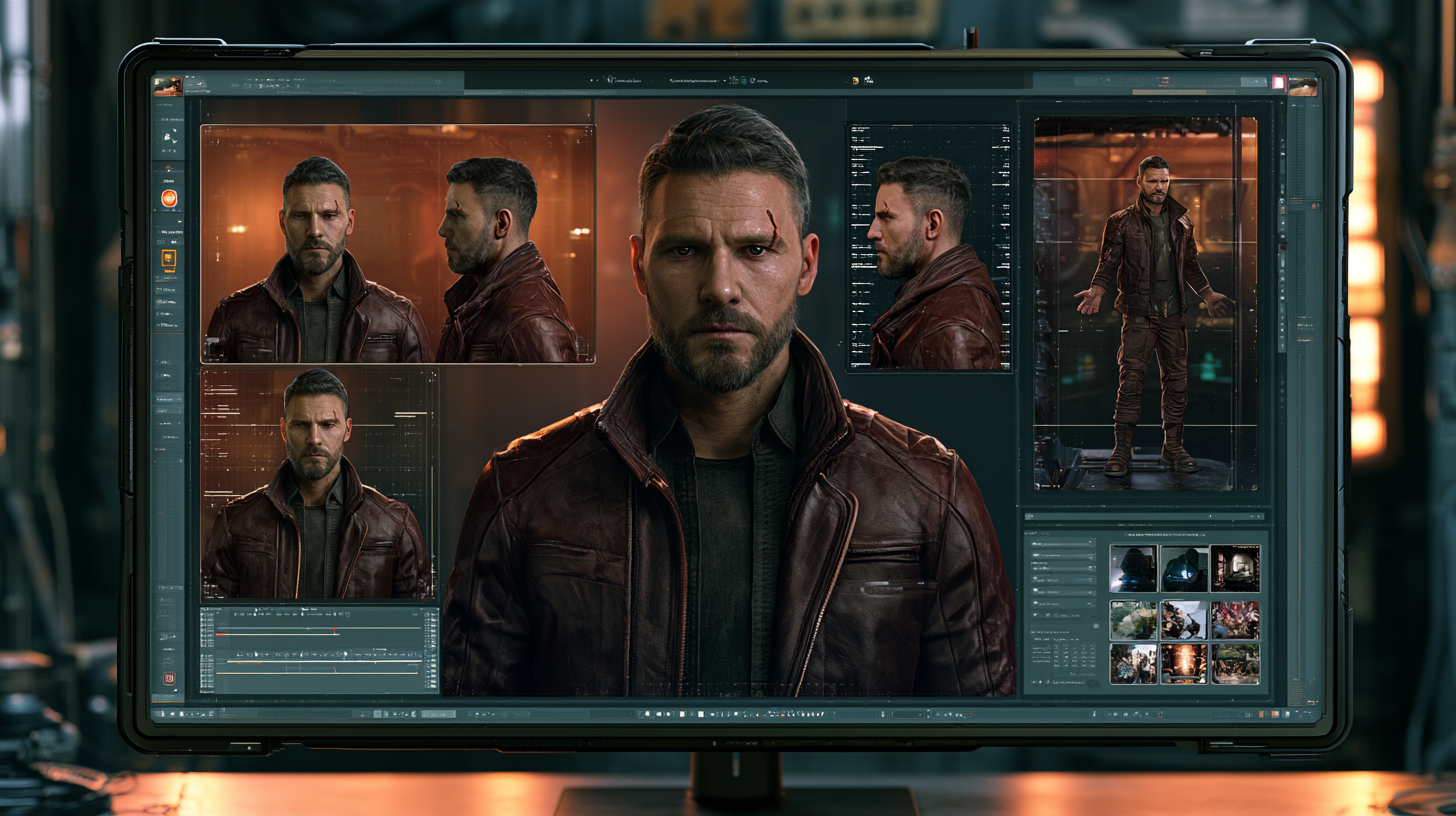
4. Build a Multi-Angle Character Reference Sheet
A front-facing portrait is useful, but a single view may not provide enough information for complex scenes.
Create additional reference images showing the same character from multiple angles.
Useful views include:
- Front-facing portrait
- Left or right three-quarter portrait
- Side profile
- Full-body standing pose
- Neutral seated pose
Use the approved master portrait as the visual reference when generating these views.
Example prompt:
Using the attached master character image as the identity reference, create a three-quarter view of the same fictional person. Preserve the facial structure, eye color, hairline, beard, eyebrow scar, age, and recognizable identity. Change only the camera angle and natural head orientation. Maintain consistent lighting and visual style.
Inspect each new view before adding it to the reference sheet.
A reference sheet is not automatically accurate just because the AI produced it. Reject views that noticeably change the character's face.
5. Use Reference-Image Features Instead of Text Alone
Different AI image platforms provide different methods for guiding image generation.
Two useful approaches are reference-based generation and image editing.
ChatGPT and OpenAI image generation
OpenAI's image tools support generating new images from reference images and editing existing images.
A creator can supply an approved character portrait and request a new setting, expression, or composition while identifying which features must remain unchanged.
OpenAI also supports iterative image editing, allowing creators to refine an existing result rather than always starting from a blank prompt.
For example:
Use the attached character reference. Place the same man in a rain-soaked medieval courtyard at night. Preserve his face, hair, beard, grey-green eyes, eyebrow scar, and overall identity. Change his pose to a three-quarter standing position and add a wet leather cloak. Cinematic blue-grey lighting, realistic anatomy, widescreen composition.
Reference-based editing improves control, but perfect identity preservation is not guaranteed.
Midjourney reference workflows
Midjourney provides version-dependent reference features.
In version 7, Omni Reference allows creators to use an image to guide the appearance of a character, object, or creature. It can be combined with descriptive prompts and other supported reference features.
Midjourney's newer V8.x documentation recommends its Edit Model workflow for reference-based editing, so creators should follow the instructions for the version they are actually using.
In version 7, Omni Reference can be added through the website's reference controls or with the --oref parameter in Discord.
For example, the general prompt structure is:
A warrior standing in a snowy mountain pass --oref YOUR_REFERENCE_IMAGE_URL
The image URL must point to an accessible reference image.
Midjourney also provides an Omni Reference Weight control for adjusting the reference's influence. Increasing its influence does not guarantee perfect identity matching.
For current compatibility, restrictions, and model-specific settings, consult the official Midjourney documentation.
6. Create a Consistent Scene Prompt Template
One of the most practical ways to reduce character drift is to use the same prompt structure throughout the production.
A reliable template separates identity, action, environment, cinematography, and restrictions.
Reusable scene template
Character identity: Adrian, approximately 38 years old, narrow angular face, short dark brown hair, closely trimmed beard, grey-green eyes, small diagonal scar above right eyebrow.
Reference: Use the approved master character image to preserve identity.
Action: Describe exactly what the character is doing.
Environment: Specify the location, weather, time of day, and relevant objects.
Camera: Define framing, camera angle, and subject position.
Visual style: Specify the approved illustration or photographic treatment.
Continuity requirements: Preserve facial identity and any story-specific clothing or props.
Restrictions: Avoid unintended changes to age, facial features, body proportions, and identifying details.
Example: Scene One
Using the approved Adrian reference image, depict the same character standing outside an abandoned railway station at dawn. He looks toward the distant tracks with a cautious expression. Preserve his narrow angular face, dark brown hair, trimmed beard, grey-green eyes, and eyebrow scar. Medium-wide shot, subtle morning fog, realistic cinematic illustration, muted blue-grey palette.
Example: Scene Two
Using the same approved Adrian reference image, depict the character sitting inside an old train carriage at night, examining a folded map. Preserve his established facial identity, hair, beard, eyes, scar, and clothing continuity. Medium close-up, warm overhead lamp, dark windows, realistic cinematic illustration.
The location and action change, but the identity specification remains consistent.
7. Change One Major Variable at a Time
Creators often request too many transformations in a single generation.
For example, asking the AI to change a character's clothing, age, pose, environment, lighting, camera angle, and facial expression simultaneously can make continuity harder to control.
A more reliable editing approach is to isolate changes.
Start with an approved image.
First, adjust the environment while preserving the character.
Next, change the pose if needed.
Then refine lighting, props, or expression.
This does not mean every scene requires several edits. It means that when consistency is important, controlled revisions are easier to evaluate than large, simultaneous changes.
A useful instruction is:
Change only the background to a snowy forest. Preserve the character's identity, facial features, pose, clothing, and proportions.
Inspect the result before proceeding.
8. Keep Clothing and Props Consistent
Character consistency involves more than facial identity.
A character who wears a dark leather jacket in one scene and suddenly appears in an unrelated uniform in the next may confuse viewers.
Create a wardrobe and prop record.
For example:
| Story section | Clothing | Important prop | |---|---|---| | Opening | Brown leather jacket | Small backpack | | Journey | Same jacket, weathered | Folded map | | Conflict | Jacket with damaged sleeve | Metal flashlight | | Resolution | Same damaged jacket | No additional prop |
If clothing changes intentionally, record where the change occurs.
For long-form AI storytelling, this becomes part of a broader continuity system.
The same approach applies to vehicles, weapons, buildings, fictional technology, and recurring environments.
9. Organize Your Image Files Properly
A consistent character workflow can fail when creators lose track of which reference image was approved.
Create a simple folder structure.
AI_VIDEO_PROJECT/
  CHARACTER_BIBLE/
    adrian_identity.txt
    adrian_master.png
    adrian_front.png
    adrian_profile.png
    adrian_full_body.png

  APPROVED_SCENES/
    scene_001.png
    scene_002.png
    scene_003.png

  REJECTED_GENERATIONS/

  SCENE_PROMPTS/
    scene_001.txt
    scene_002.txt
    scene_003.txt
Save the prompt used for every approved image.
This makes it easier to recreate scenes, investigate inconsistencies, and maintain a consistent visual style across future episodes.
For teams, a shared approval system is useful so that editors and designers work from the same reference assets.
10. Use a Character Consistency Checklist
Before approving a generated image, compare it with the master reference.
Check the following:
- Does the face resemble the approved character?
- Are the eyes, nose, jawline, and hairline consistent?
- Is the character's apparent age appropriate?
- Are distinctive scars or markings correct?
- Are body proportions believable?
- Does clothing match the current story section?
- Are recurring props consistent?
- Does the visual style match previous scenes?
- Are hands, fingers, and facial anatomy acceptable?
- Does the image accurately represent the intended narration?
You can also score each scene manually.
For example, rate facial identity, clothing continuity, anatomy, and visual style from 1 to 5.
A simple review score helps organize decisions, but it is not a scientifically validated identity measurement.
If a scene fails on a critical feature, regenerate or edit it before moving forward.
11. Common Character Consistency Mistakes
Relying entirely on text prompts
Repeated descriptions help, but they are generally less specific than a carefully selected visual reference.
Using a different reference for every scene
This can gradually change the character's appearance. Maintain a stable master reference.
Mixing incompatible artistic styles
A realistic portrait, cartoon illustration, and heavily stylized painting may interpret the same face differently.
Generating too many scenes without reviewing them
Producing 40 images before checking the first five can create expensive rework.
Approve a small batch before scaling production.
Ignoring camera-angle limitations
A reference showing only the front of a character cannot fully define unseen details. Additional approved angles can help.
Assuming a random seed guarantees identity
Some generators support seed values for reproducibility, but a seed is not a universal character identity lock. Results depend on the model, prompt, settings, and generation process.
12. A Practical 20-Scene Production Workflow
For a creator producing a 20-scene cinematic YouTube video, the following workflow provides a manageable starting point.
Step 1 — Define the character. Write the identity sheet and establish permanent visual characteristics.
Step 2 — Generate the master portrait. Select one approved reference image.
Step 3 — Create additional reference views. Produce front, three-quarter, profile, and full-body references.
Step 4 — Divide the script into scenes. Identify where the character appears and what changes between scenes.
Step 5 — Prepare consistent prompts. Use the same identity specification and visual style across the sequence.
Step 6 — Generate three test scenes. Choose scenes with different environments, camera angles, and lighting.
Step 7 — Review consistency. Compare the results with the approved reference images.
Step 8 — Produce the remaining scenes in small batches. Inspect each batch before continuing.
Step 9 — Correct inconsistent images. Prefer targeted editing when it can preserve more of the approved composition.
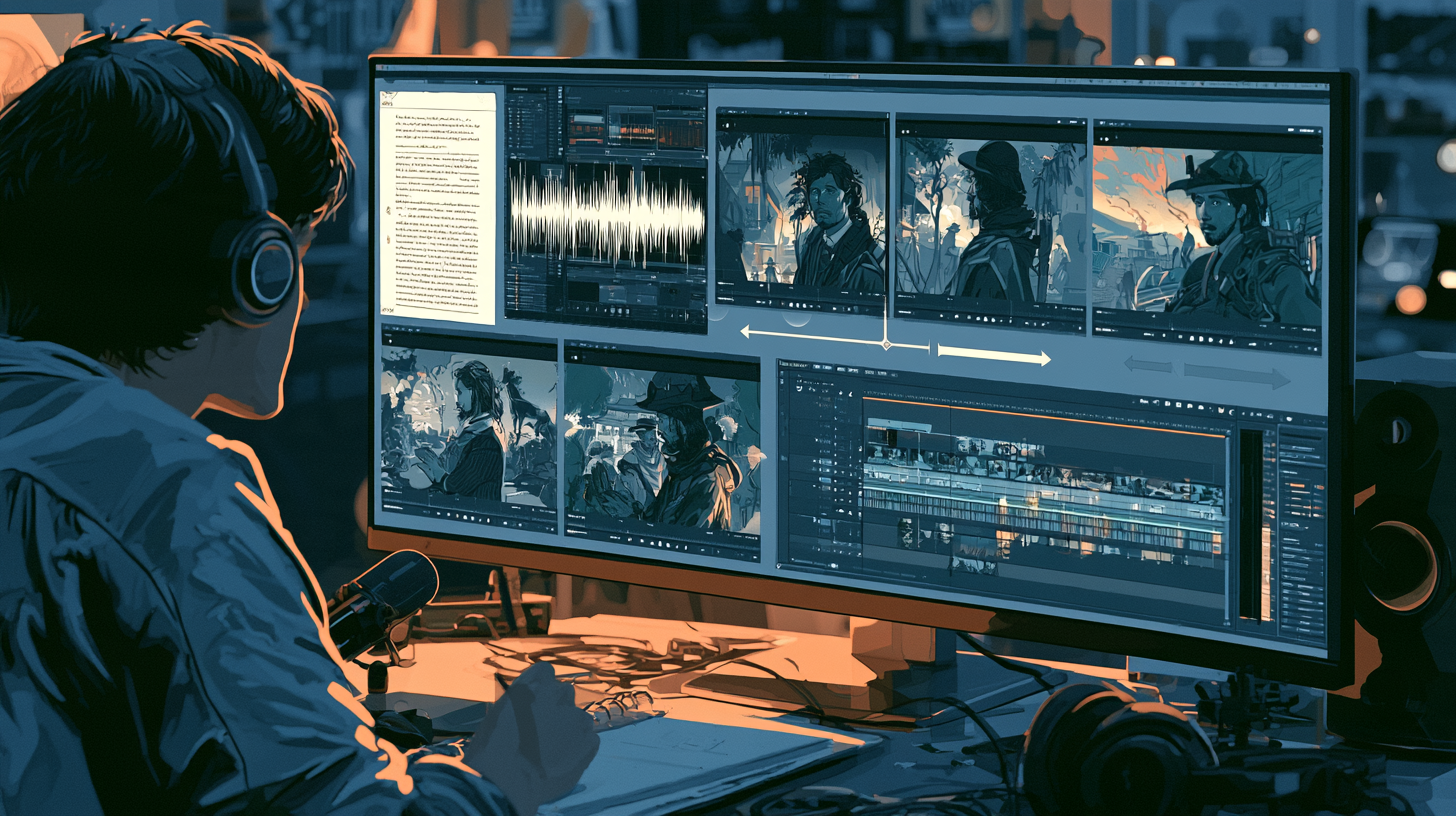
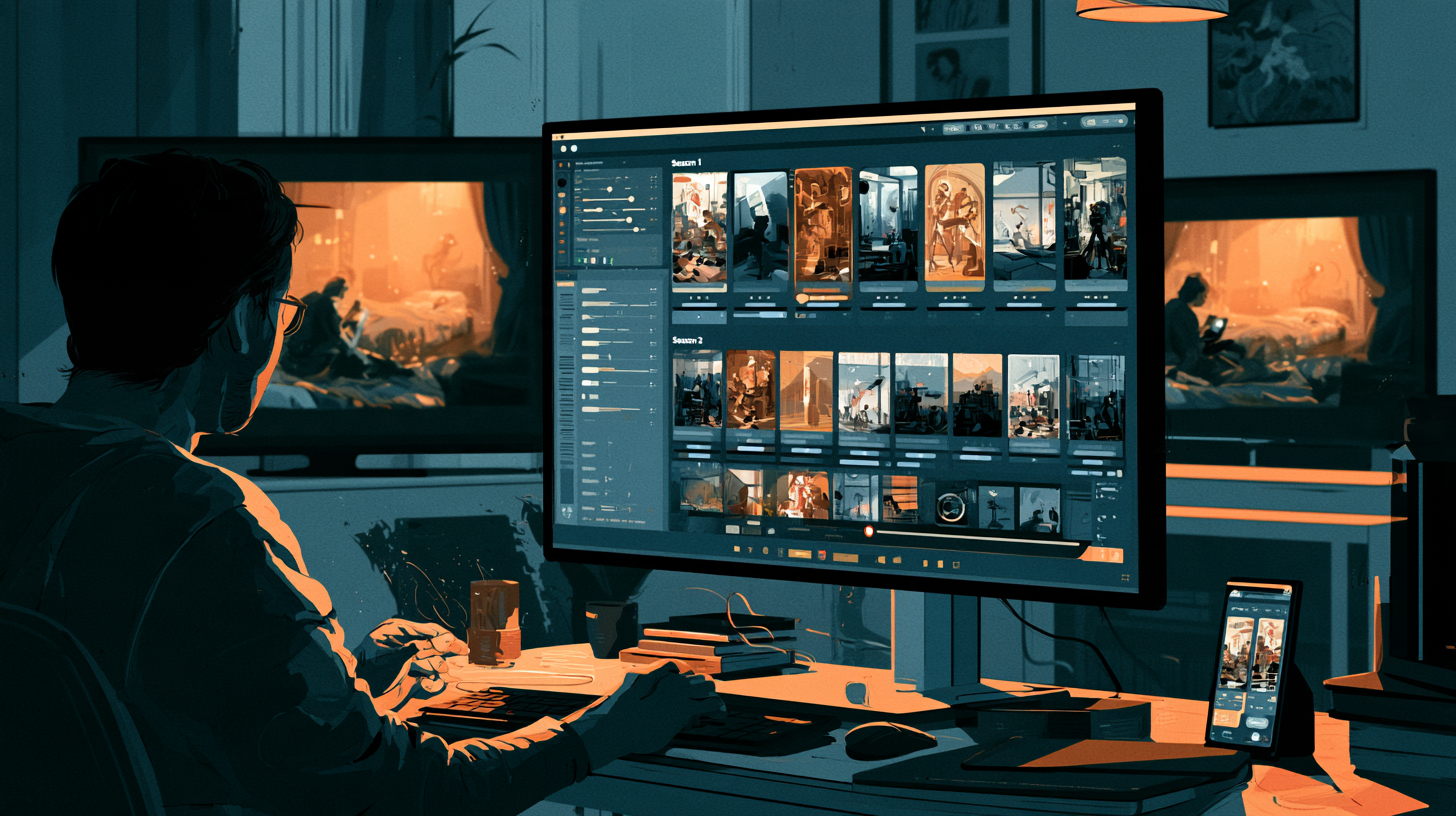
Step 10 — Assemble the visual sequence. Check continuity in the actual order viewers will see the images.
This workflow reduces the risk of discovering major inconsistencies only after the entire production is finished.
13. What About AI Video Animation?
Consistent still images are a useful foundation for AI video production, but they do not automatically guarantee consistent animated footage.
Image-to-video systems may introduce additional changes during motion, particularly around faces, hands, clothing, and complex poses.
For better results, begin with an approved still image, use restrained motion instructions where appropriate, and inspect the generated clip frame by frame.
For example, a subtle camera push-in or gentle head movement may be easier to maintain than a complicated action sequence involving several interacting characters.
The reliability of these techniques varies by model and scene.
If an animation changes the character's identity, revise the motion instructions, regenerate the clip, or use a different shot.
Final Thoughts
Keeping AI characters consistent is not about finding one perfect prompt.
It requires a production system built around a stable character identity, approved visual references, structured prompts, and deliberate quality control.
For creators producing YouTube documentaries, AI short films, animated stories, or recurring fictional characters, the most valuable habit is to establish continuity before generating dozens of images.
Start with one character, create a reliable reference sheet, test several different scenes, and refine the process before scaling.
AI image generators are powerful creative tools, but the creator remains responsible for deciding whether the finished visuals belong to the same story.
Consistency is not just an image-generation setting. It is a production discipline.