YouTube Announces New AI Creator Tools: Conversational Editing, Thumbnail Generation, and Video A/B Testing
Creator News | October 28, 2026
YouTube is expanding the role of artificial intelligence in video production.
At its Made on YouTube event on September 23, 2026, the company announced a series of tools designed to help creators plan videos, edit footage, develop thumbnails, test different versions of their content, and manage their channels.
The announcement includes a conversational editing assistant for Shorts and YouTube Create, additional AI-powered features in YouTube Studio, and a forthcoming option to test different cuts of a video.
For independent creators, the changes could eventually reduce some of the manual work involved in production. But not every announced feature is necessarily available to every creator today.
Here is what YouTube confirmed, how the tools are intended to work, and what creators should understand before changing their workflows.
1. What Did YouTube Announce?
In its official September 23 announcement, YouTube described several developments across its creator tools.
The major announcements included:
- Conversational editing assistance for Shorts and YouTube Create
- New research and insights features in YouTube Studio
- Personalized feedback on video drafts
- AI-assisted thumbnail generation
- Dynamic thumbnails tailored to different audience segments
- Upcoming A/B testing of different video cuts
- Additional AI-powered comment moderation
- Expanded likeness detection capabilities
These developments were presented as part of YouTube's broader effort to support creators throughout the production process.
Official announcement: New Tools to Power Your Creation Journey From Start to Finish
2. Conversational Video Editing Is Coming to Shorts and YouTube Create
One of the most notable announcements involves conversational editing.
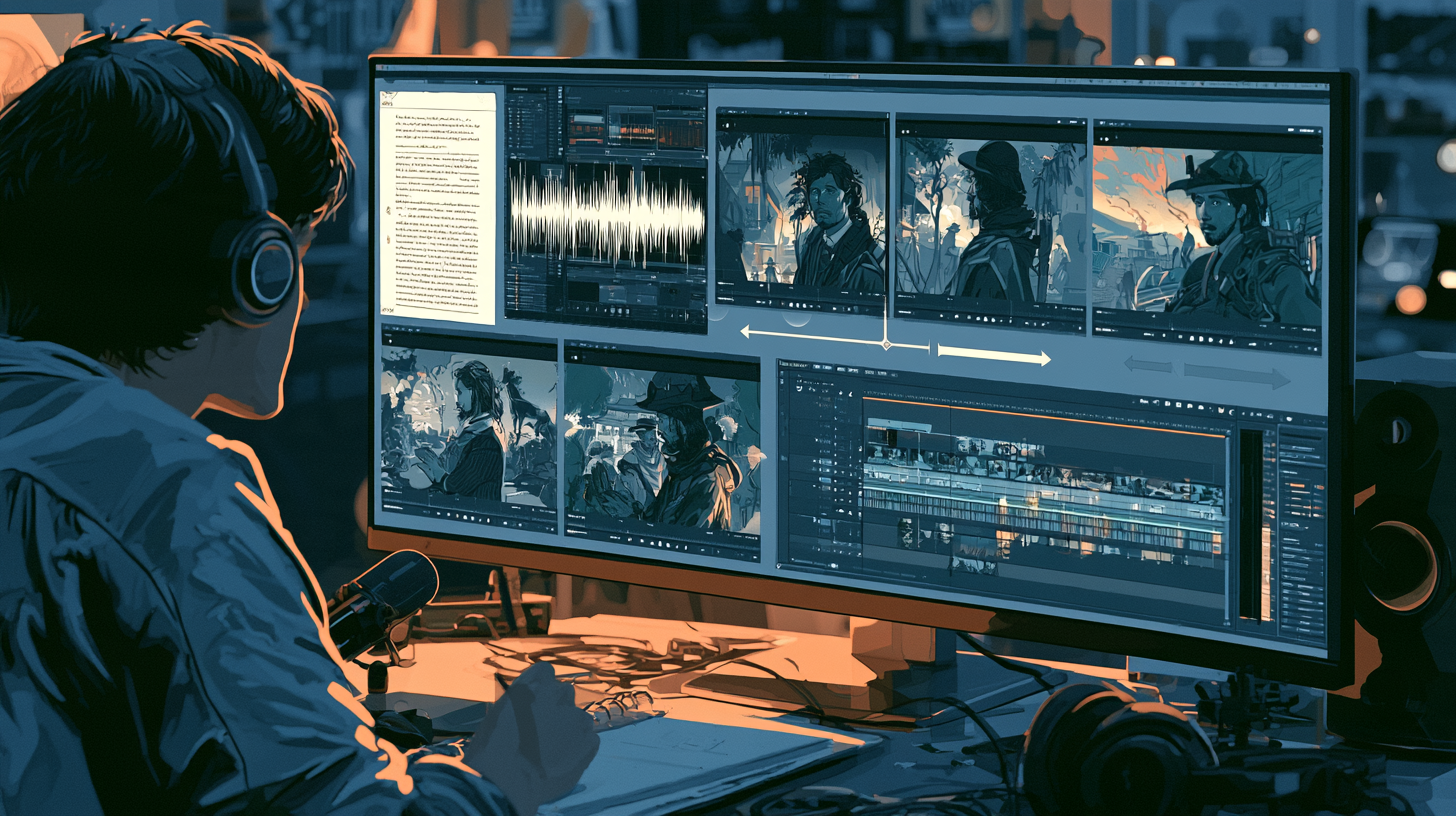
Rather than performing every operation through traditional editing controls, creators will be able to describe certain changes using natural-language instructions.
YouTube said the new assistant will be integrated into Shorts and the YouTube Create application.
Examples of the intended functionality include:
Reordering footage: A creator can ask the assistant to reorganize frames or clips.
Trimming content: The system can help remove unwanted sections or pauses.
Music synchronization: The assistant can suggest edits that align visual material with musical beats.
Iterative refinement: Creators can continue the conversation to request additional changes.
Importantly, YouTube says creators will retain the ability to edit manually.
This makes the feature an assistant rather than a complete replacement for timeline-based editing.
What has not been established?
The announcement does not demonstrate that conversational editing can automatically produce every type of professional video.
It also does not mean that complex documentary editing, advanced color grading, audio mixing, or visual-effects compositing can be handled through one prompt.
The announced capabilities should be evaluated based on actual availability and testing, not assumptions about what AI editing might eventually accomplish.
3. YouTube Studio Is Becoming More Than an Analytics Dashboard
YouTube Studio has traditionally been central to uploading videos, monitoring analytics, and managing channels.
The September announcement describes a broader role.
YouTube is adding tools that assist with research, production decisions, and content evaluation.
New Insights and Research destinations are intended to help creators examine historical performance and identify videos that perform unusually well.
This could help creators discover potential follow-up topics.
For example, if a particular tutorial substantially outperforms comparable uploads, a creator might investigate which viewer problem it addressed.
That information can inform future production.
However, an unusually successful video does not guarantee that every related topic will perform equally well.
4. Personalized Feedback on Video Drafts
YouTube also announced a feature designed to provide feedback on early video drafts.
The company described assistance involving:
- Pacing
- Structure
- Storytelling
- Other creative considerations
For creators working alone, this could provide an additional review step before publication.
Practical example
Imagine a creator preparing a 12-minute historical documentary.
The draft contains a lengthy opening, several explanatory sections, and a concluding sequence.
A useful AI review might identify where the structure becomes repetitive or where the central story is delayed.
The creator would then decide whether those observations are appropriate.
Why human review remains necessary
An AI system cannot automatically determine whether every creative decision is correct.
A slow sequence may be deliberate.
An unusual structure may be essential to the story.
Historical context may require additional explanation.
Creators should treat automated feedback as editorial input rather than unquestionable instruction.
5. AI Thumbnail Generation Inside YouTube Studio
YouTube is also expanding thumbnail creation through Ask Studio.
According to the company's announcement, creators can generate thumbnails tailored to their video's subject and their channel's style.
The system is intended to support conversational adjustments to elements such as layout and visual appearance.
This is particularly relevant to creators who currently move between several applications to produce thumbnails.
Example workflow
A creator finishes a tutorial about AI character consistency.
They could request a thumbnail concept that illustrates two visibly different versions of the same fictional character.
After reviewing the result, they might ask for a cleaner background or a stronger subject composition.
The final design would still need human approval.
What creators should verify
Before relying on the feature, check whether it is available on your account and whether it supports the adjustments you need.
Also inspect generated images for inaccurate objects, distorted anatomy, irrelevant elements, and misleading visual claims.
An automatically generated thumbnail is not necessarily an effective thumbnail.
6. Dynamic Thumbnails Could Change Video Packaging
YouTube's announcement also describes dynamic thumbnails.
Instead of showing one identical thumbnail to every viewer, the system is designed to recommend different options to different audience segments.
This is distinct from simply selecting one universal winning thumbnail.
Why this matters
Different audiences may respond to different visual approaches.
For example, a history documentary could have three thumbnail concepts:
- A prominent historical character
- A dramatic battle scene
- A recognizable historical symbol
The dynamic system is intended to match thumbnail choices with different audience segments.
However, the announcement does not establish that creators can manually control every segment or that the system guarantees improved performance.
Creators should evaluate results once the feature becomes available to them.
7. Video A/B Testing: Testing the Opening, Not Just the Thumbnail
Another significant announcement is the forthcoming ability to test up to three different cuts of a video.
YouTube specifically described this as a way to compare which opening or hook better holds audience attention.
This is different from the existing title-and-thumbnail A/B testing feature.
Example
A creator might prepare three introductions for the same tutorial.
Version A: Begins by demonstrating the finished result.
Version B: Begins with the problem the viewer wants to solve.
Version C: Begins with a concise explanation of the process.
The new testing system is intended to help creators compare different video cuts.
Important availability distinction
As of the September announcement, video-cut A/B testing was described as coming soon.
Creators should not assume it is already available on every account.
Nor should they confuse it with existing thumbnail and title experiments.
The announcement does not provide a universal launch date or guarantee that every video format will be eligible.
8. YouTube Reports Significant Adoption of AI-Assisted Creation
YouTube said that hundreds of thousands of channels used its Gemini Omni-powered editing capabilities daily during August 2026.
The company also cited research indicating that 72% of U.S. video posters aged 14–44 had used AI to help create or edit video during the preceding year.
These figures were reported by YouTube in connection with its own research and product announcements.
They should not be interpreted as proof that 72% of all YouTube creators worldwide use AI, or that all AI-assisted videos perform better.
The figures do, however, illustrate why major video platforms are investing in AI-assisted production tools.
9. Additional AI Tools for Channel Management
The announcement extends beyond video editing.
YouTube also described opt-in AI-powered comment moderation designed to adapt to a channel's moderation preferences.
It also announced further development of likeness protection, including plans to integrate speaking-voice detection with existing facial detection.
Mobile access to likeness detection was another planned expansion.
These features address different challenges.
Comment moderation concerns community management.
Likeness detection concerns identifying potential misuse of a creator's identity.
Neither should be confused with AI video generation.
Availability, enrollment, and eligibility requirements may differ between features.
10. What Does This Mean for Independent Creators?
For solo creators, the potential benefit is reducing repetitive production tasks.
A creator who researches topics, writes scripts, edits footage, designs thumbnails, and manages comments may eventually be able to handle more of that workflow within YouTube's own applications.
But creators should consider three important limitations.
First: Availability may be gradual
A feature announced at a major event may initially be limited by region, account eligibility, device, or rollout stage.
Second: AI output requires review
Automated editing may select an inappropriate cut, remove a meaningful pause, or suggest a thumbnail that does not accurately represent the video.
Third: Specialized software still has a role
Professional video editors provide extensive control over media, effects, audio, and delivery settings.
YouTube has not announced that its conversational assistant replaces all those capabilities.
11. What Should Creators Do Now?
The most practical response is to prepare without rebuilding an entire production workflow around unavailable features.
Review your existing workflow. Identify time-consuming tasks such as rough cutting, thumbnail ideation, or repetitive editing.
Check YouTube Studio updates. Look for newly available tools rather than assuming every announcement has reached your account.
Test with noncritical projects. Evaluate new editing tools on short videos before relying on them for important productions.
Compare output quality. Determine whether the AI-assisted result is genuinely better or faster than your existing method.
Maintain original project files. Preserve editable versions of your videos, images, and audio.
Protect creative control. Review generated edits and thumbnails before publishing.
12. What Remains Unclear?
The September 23 announcement does not provide a complete global rollout schedule for every feature.
It also does not establish:
- That all accounts already have conversational editing
- That video-cut A/B testing is universally available
- That dynamic thumbnails guarantee increased views
- That AI feedback can replace professional editorial review
- That YouTube Create now provides every feature of a professional desktop editor
- That every creator is eligible for every announced AI tool
These distinctions are essential when reporting new technology accurately.
Final Thoughts
YouTube's September 2026 announcements point toward a more integrated creator workflow.
Research, editing, thumbnail design, video testing, and channel management are becoming increasingly connected with AI-assisted tools.
For independent creators, that could reduce some of the repetitive work involved in producing videos.
But the practical value of each feature will depend on availability, reliability, creative control, and how well it fits an existing production process.
The strongest approach is to evaluate each new capability carefully rather than assume that automation automatically produces better content.
AI may help creators work faster. Creative judgment determines whether the finished video is worth watching.
Official Sources and Further Reading
- YouTube Official Blog — New Tools to Power Your Creation Journey From Start to Finish (September 23, 2026)
- Made on YouTube 2026 — Official Event Overview
- YouTube Official Blog — Innovation for the YouTube Era (September 23, 2026)
- YouTube Help — Get Started with YouTube Analytics
Reporting cutoff: October 28, 2026. Announced capabilities may become available at different times across accounts, devices, and regions.